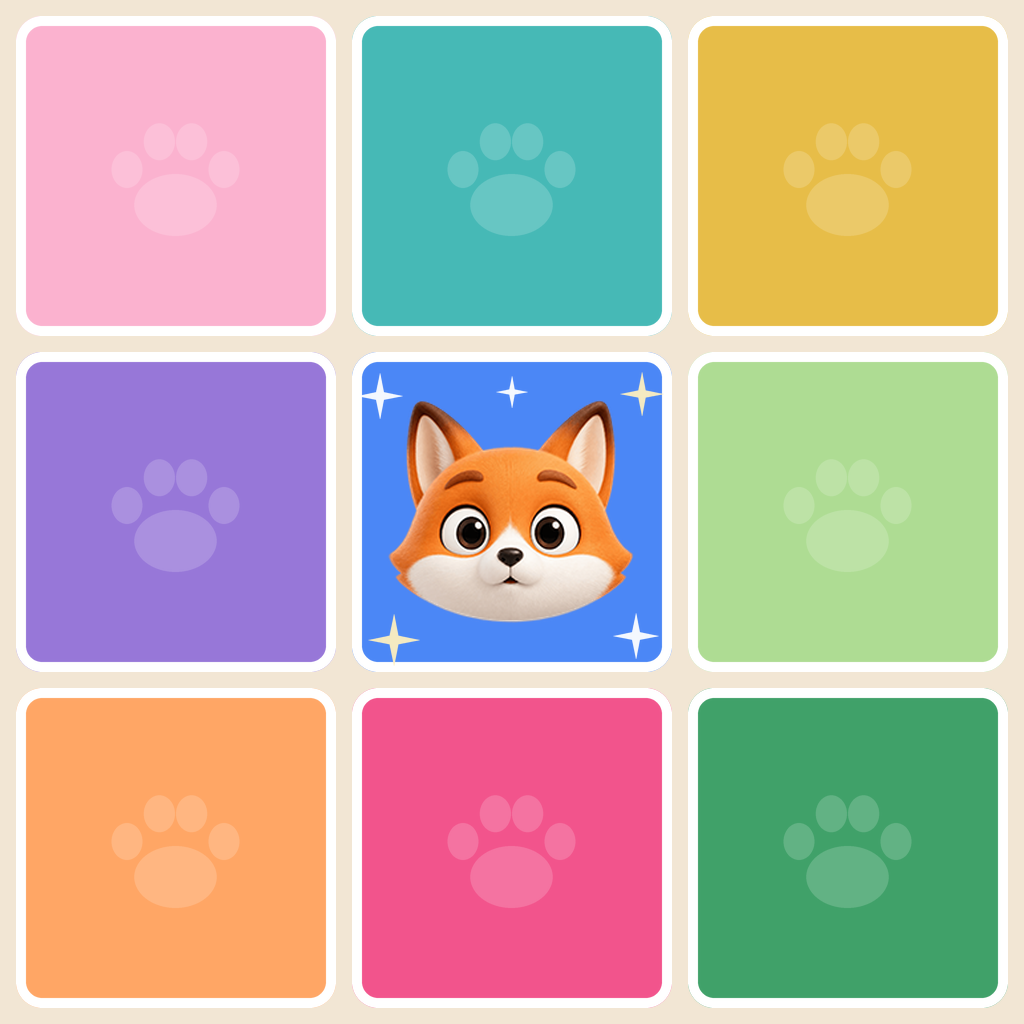
Row, Column & Region Rule
Place exactly one pal in each row, each column, and each colored region of the board.
Everything you need to know about NookPals: the three puzzle rules, how to place and mark cells, Daily Challenge, helpful tools, profile options, and how your progress is kept on your device.
Last updated: November 6, 2026
Place exactly one pal in each row, each column, and each colored region of the board.
No two pals may sit next to each other, not even diagonally corner to corner.
Take a hint, undo your last move, or restart the board whenever a deduction is hard to find.
Place exactly one pal in each row, each column, and each colored region. Pals must also keep their distance: no two may touch, not even diagonally. There are no numbers, no timer, and no hidden rules — just quiet deduction until every pal has found its nook.
Double-tap a cell to place a pal there.
Press and drag across the board to mark the cells that cannot hold a pal. These marks are your own notes while you work through the puzzle.
A pal cannot be placed in any of the eight cells surrounding another pal, including the four diagonal corners. So two pals can never share an edge or a corner.
NookPals includes 20,000 puzzles that grow from gentle warm-ups into larger brain-teasers. The Main Levels screen lets you continue from where you left off.
Daily Challenge gives you one fresh puzzle each day. It unlocks once you complete Level 20, and is available from the Daily button on the home board.
Use Hint for a nudge, Undo to take back your last move, or Restart to begin the board again. None of these tools cost you anything, and there is no time pressure.
Yes. There are 12 avatars and 18 frames to choose from, so you can give your profile its own look. Profile choices are stored on your device.
Settings include Sound, Music, Haptics, Grid Icons, Language, and Theme. You can also clear the current runtime save from the Settings screen.
Your progress and settings are saved locally on your device. NookPals does not use player accounts, so progress does not sync across devices and is not stored in the cloud.
Yes, the puzzles work offline and your progress stays on your device. NookPals requires no account or sign-in, and the app does not include advertising, analytics, or tracking SDKs.
Please email magicyear97@gmail.com. For bug reports, include your device model, iOS version, and a short description of what happened.
Still need help?
We usually reply within 1-2 business days.